Workshops where everyone leaves having built something.
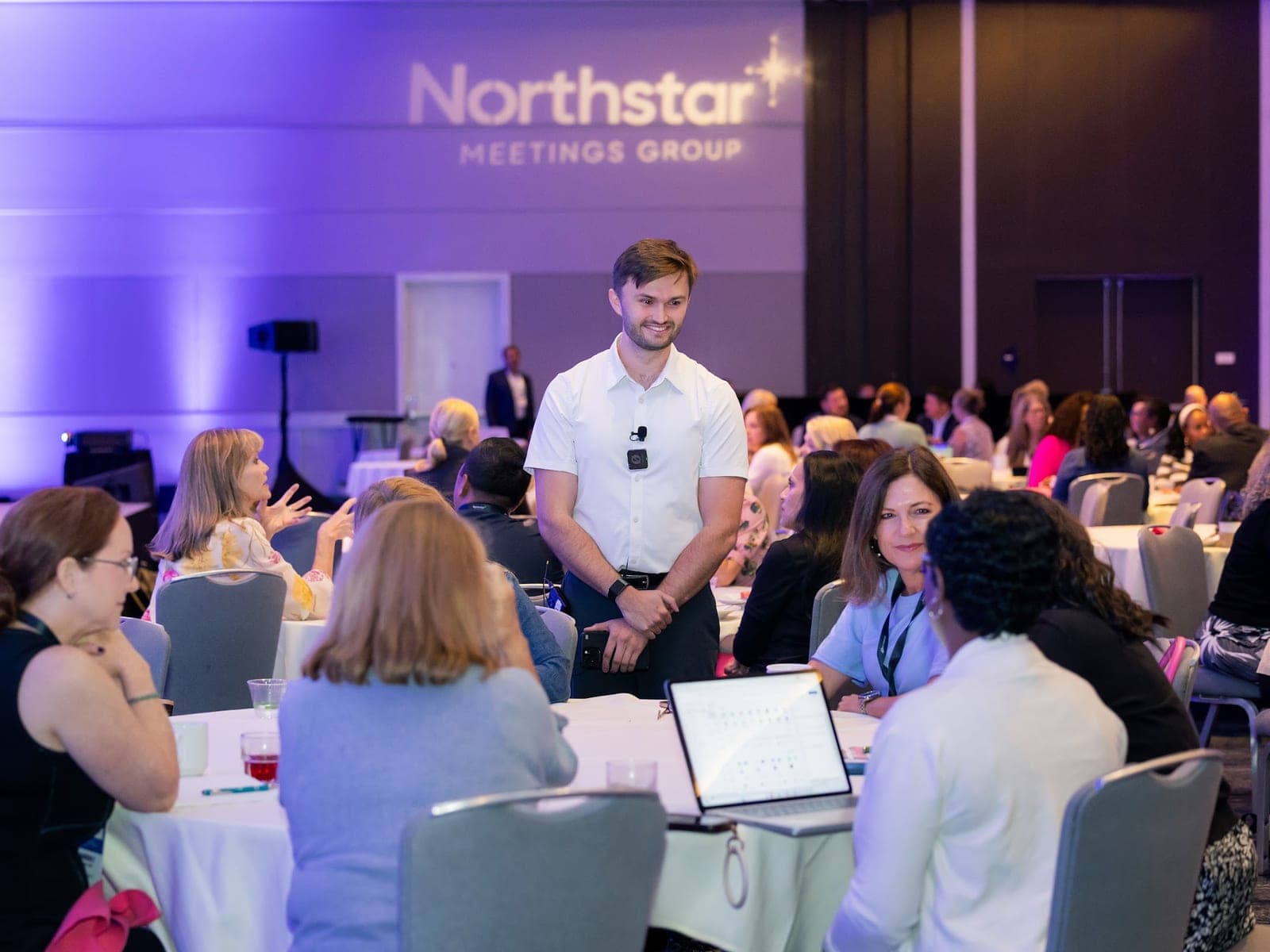
Every workshop is hands-on. Participants build with AI during the session and leave with tools they can use that week. Event teams are home base, and the same format works for sales, operations and professional-services teams in any industry. See corporate AI training for teams outside events.
AI in Events: Do More with Less Using Practical AI Tools
See which AI applications save time (and which waste it) using a 0–10 readiness scale. Timeline generation scores 8+; client calls stay firmly human.
Still spending hours on event timelines, wrestling with stakeholder comms, drowning in post-event survey data, and rebuilding the same RFP every quarter? This workshop uses the 0–10 AI Readiness Scale to sort every task into one of three buckets: automate, augment, or keep firmly human. The hands-on session sends participants home with custom AI tools that cut hours off real workflows.
What participants get
- Personal AI Readiness Scorecard with your workflow mapped to the 0–10 scale
- Event Timeline Generator built and customized during the session
- Know Engine vs. Do Engine framework for evaluating any AI tool
- Priority implementation list: three tasks to automate this week
- Access to the full AI tools library (12 custom GPTs)
- 30-day implementation roadmap with weekly milestones
Learning objectives
- Evaluate event tasks using the 0–10 AI Readiness Scale to identify automation opportunities
- Differentiate between AI 'Know Engines' and 'Do Engines' to set realistic expectations
- Apply at least one high-scoring AI tool to reduce a 4-hour task to under 30 minutes
- Analyze personal workflows to prioritize 3 AI implementations this week
AI tools used
How to Use AI as Your Strategic Advisory Board
Most event pros are stuck answering task-level questions while leadership wants strategic ones. AI as your C-suite advisory board closes that distance.
Learn to use AI to step into different executive mindsets, including how a CFO evaluates ROI, how a CMO thinks about brand strategy, how a CEO prioritizes competing initiatives, and how a COO plans the operational rollout. Walk away with custom GPTs and frameworks that help you analyze challenges from multiple executive perspectives and build business cases that land with the C-suite.
What participants get
- Custom GPT for the C-Suite Advisory Board exercise, built during the session
- Framework for mapping event decisions to executive priorities (the Four Lenses)
- Sample business case built during the session using AI
- Cheat sheet: what each C-suite role cares about when evaluating events
- Access to Noah's full AI tools library (12 custom GPTs)
- 30-day implementation guide for real conversations
Learning objectives
- Apply AI prompting to analyze event challenges from 4 executive perspectives (CFO, CMO, CEO, COO) simultaneously
- Create business cases and strategic proposals addressing C-suite priorities
- Anticipate and address executive objections using AI-powered perspective shifts
- Understand AI's strategic limitations and when to stay human
AI tools used
Build Your Team's First AI Systems
For teams outside events. Everyone brings one tedious task from their own week and leaves with a working AI system for it.
The method I teach event teams works on any job that runs on email, documents and meetings. Each participant scores their weekly tasks on the 0–10 readiness scale, picks the highest-scoring one, and builds a system for it in the AI tool their company already pays for, whether that's ChatGPT, Copilot, Gemini or Claude. A system is four things: instructions, an example, the input, and a check a person runs before anything goes out. Half-day and full-day versions add a second build and a draft of the team's AI policy.
What participants get
- A working AI system for one real task from your week
- Your weekly tasks scored on the 0–10 readiness scale
- The four-part system recipe, reusable on the next task
- A one-page team AI policy starting point (half-day and full-day)
- The next three tasks worth handing off
Learning objectives
- Score any work task on the 0–10 readiness scale and pick the right first one
- Build a repeatable AI system with instructions, an example, the input and a check
- Spot where AI output needs a person's review before it reaches a client
- Write the basic rules a team needs before everyone starts using AI
AI tools used
Transparent pricing.
Workshops scale by format. From-priced so longer formats and custom industry adaptations are scoped at a fair premium.
What changes the fee: travel, multi-cohort delivery, exclusive content rights, custom industry adaptation.
Need something tailored?
Every workshop can be customized to your industry, audience size, and specific challenges. Let's design the right session for your team.